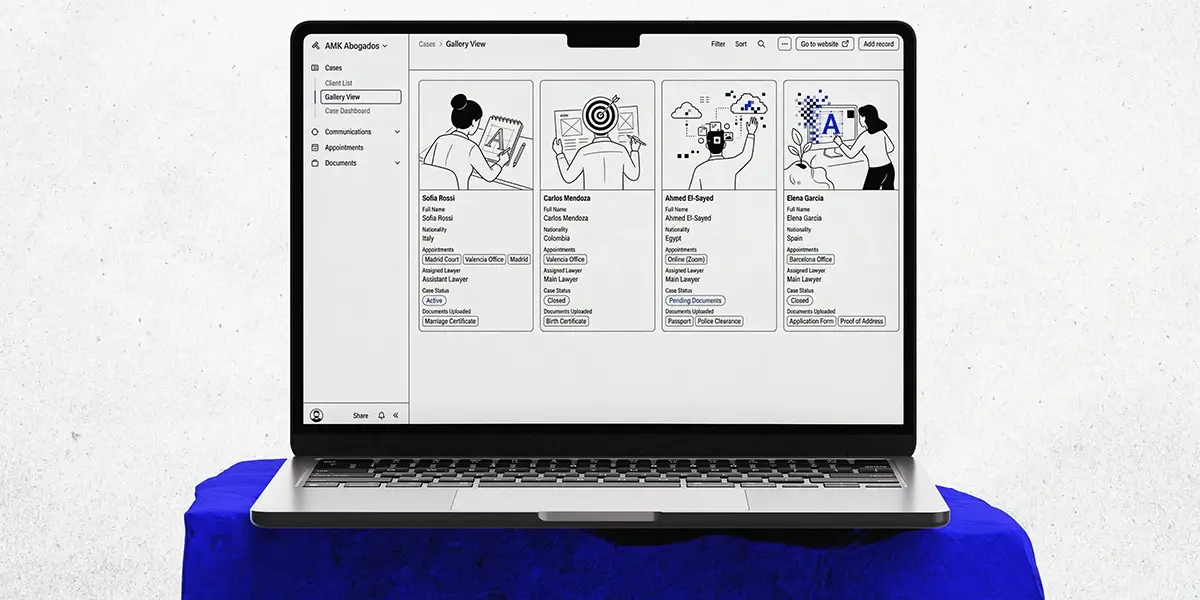
A client onboarding and case management system designed to make legal processes clearer for clients and easier for the practice to manage.
Client: AMK Abogados
Location: Valencia, Spain
Role: Systems & Service Designer
Scope: Client onboarding, document management, case tracking
Tools: FigJam, Airtable
Constraints: Small team, limited budget, complex documentation
The Context
AMK Abogados is an independent law practice in Valencia focused primarily on immigration services.
For many clients, the legal process is unfamiliar. They need to understand which documents are required, when to submit them, what stage their case is in, and what happens next.
Without one clear process, information can easily become spread across messages, documents, appointments, and follow-ups.
The goal was to bring those parts together into a system that both the client and the lawyer could understand.
The existing process created a few recurring issues:
The Problem
- Clients were not always sure which documents they needed.
- Communication could happen across different channels.
- Case progress was difficult to see at a glance.
- Missing or incomplete documents created additional follow-up.
- The lawyer had to keep track of information manually.
The problem was not simply a lack of software. The process itself needed clearer structure.
Mapping the Onboarding Flow
I started by mapping what happens from the moment a potential client gets in touch.
The flow needed to answer a few basic questions clearly:
- Has the client booked an appointment?
- Is the practice taking the case?
- What does the client need to provide?
- Will the documents be submitted online or in person?
- When is onboarding complete?
- What happens next?
This created a defined path instead of leaving each case to develop through separate conversations.
Client Onboarding System
- The onboarding flow was structured around a small number of clear stages:
- Initial contact → Appointment → Decision → Document collection → Case setup
- If the practice takes the case, the client moves into the document and case-management process.
- If not, the inquiry can be closed cleanly without remaining inside the active workflow.
- This gives both sides a clear endpoint at every stage.
Document Submission System
Document collection was one of the most important parts of the system. Instead of relying on repeated messages asking what had or had not been received, each client could be connected to a defined list of required documents.
The system supports both digital and in-person submission. Each document is connected to the relevant client and case, making it easier to see what has already been received and what is still missing.
Internal Case Management
Behind the client-facing process, I designed a supporting Airtable system for managing active cases.
Each client has a unique profile connected to their case information, documents, status, and internal notes.
The system can track:
Case status
- Active
- Pending
- Closed
Document status
- Received
- Pending
- Verified
- Needs Translation
- Needs Notarization
This gives the lawyer one place to check the current state of a case rather than piecing the information together from different conversations and files.
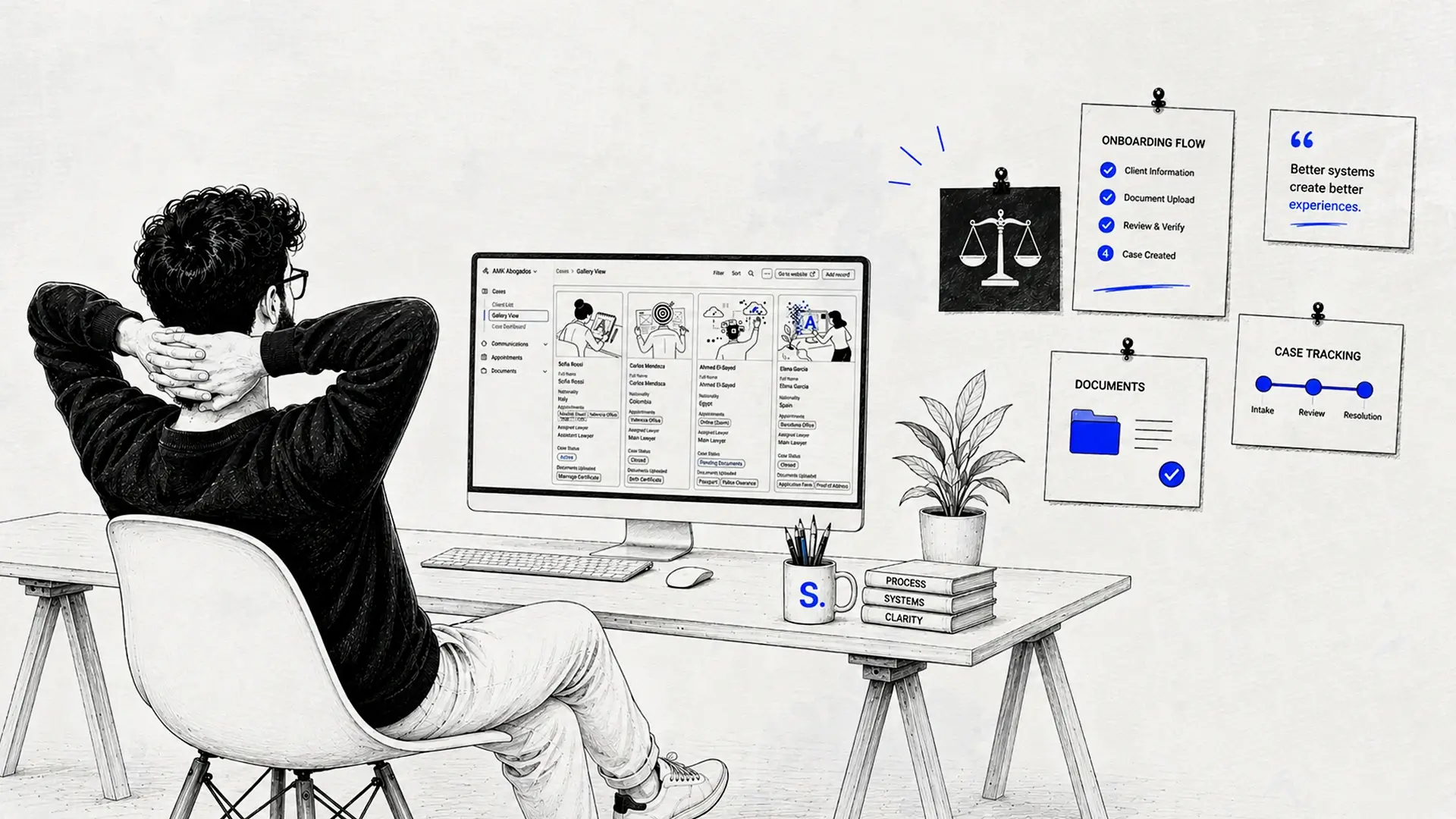
Designing Around Real Constraints
This was not a project with an unlimited development budget.
Airtable was used because it provided enough flexibility to structure the workflow without requiring a custom case-management platform.
That constraint influenced the design decisions.
Instead of creating a visually complex product, I focused on making the structure understandable, maintainable, and practical for a small practice.
The Result
The final system brings onboarding, document tracking, case status, and internal information into one connected workflow.
For clients, the process becomes easier to follow because they can understand what is required and what happens next.
For the practice, the system creates a clearer overview of active cases and reduces the amount of information that needs to be tracked manually.
Most importantly, the solution works within the resources of a small legal practice rather than depending on a custom platform that would be difficult to maintain.